
If your PS5 powers on but the TV says “no signal”, it's often the cable, the TV input or a video setting. Try these checks first. If none of them work, the HDMI port itself may be damaged.
Work through these in order. Each one takes a few minutes.
Make sure the TV is set to the HDMI input the PS5 is plugged into.
Use a different HDMI cable, ideally the one that came with the PS5, and push it firmly into both ends.
Plug into another HDMI input on your TV, or try a different TV or monitor if you have one.
Turn it off, unplug it from the wall for a minute, then plug it back in and turn it on.
Turn the PS5 off. Hold the power button until you hear a second beep, about 7 seconds. Connect your controller with a USB cable and press the PS button. If you now get a picture, choose “Change Video Output” to reset the display settings.
If you've tried everything above, or you notice any of these, it's likely a hardware fault.
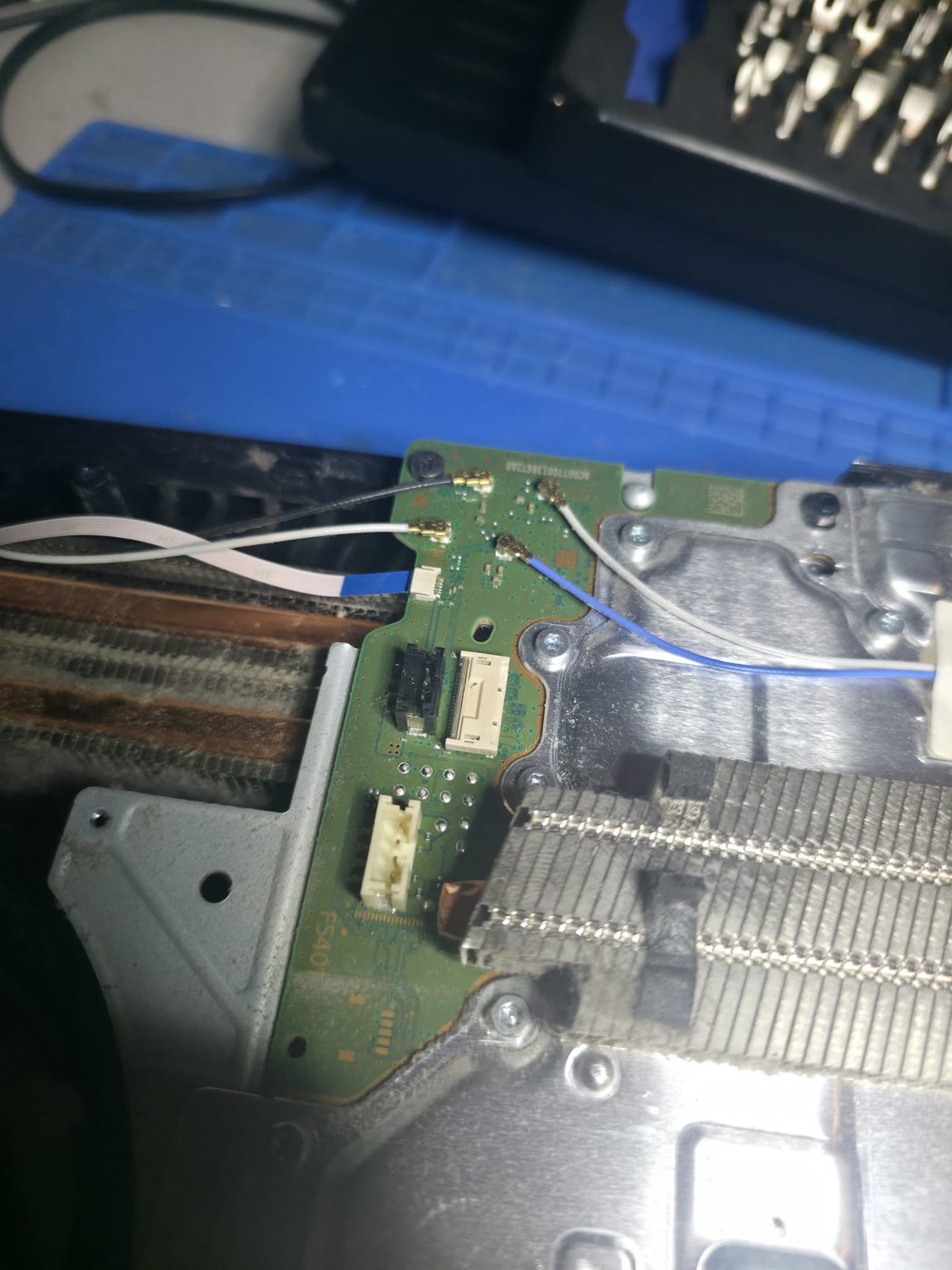
A PS5 motherboard on our bench.
| Repair | Price |
|---|---|
| PS5 HDMI port replacement | from £85 |
| Console board repair | from £80 |
| Diagnostic, where we have to find the fault (deducted if you go ahead) | £60 |
If the fault is obvious there's no diagnostic fee. If we can't repair it, there's no charge for our time. If we post it back, return postage is added at cost. See all console repair prices and our terms.
Usually it's the TV input, the HDMI cable or a video setting. If it's none of those, the HDMI port on the PS5 may be damaged — it's one of the most common console faults.
Yes. The port is replaced on the motherboard, and any damaged pads underneath are repaired first so the new port holds.
Not if the fault is obvious, like a visibly damaged port. We just price the repair.
No. We repair PS4, Xbox, Nintendo Switch and controllers too.
Drop it off by appointment in Watford, or post it from anywhere in the UK. Tell us what it's doing and we'll email you a free, no-obligation estimate.
Book a repair